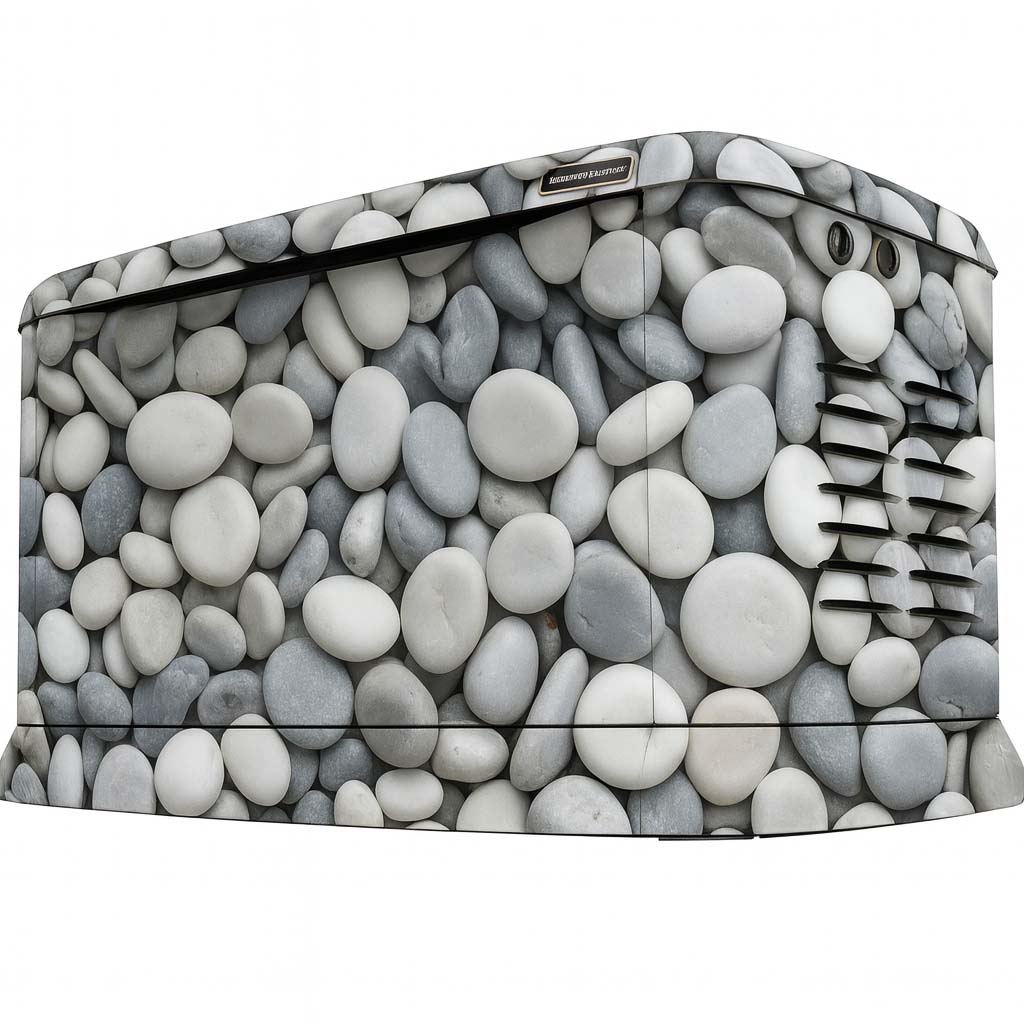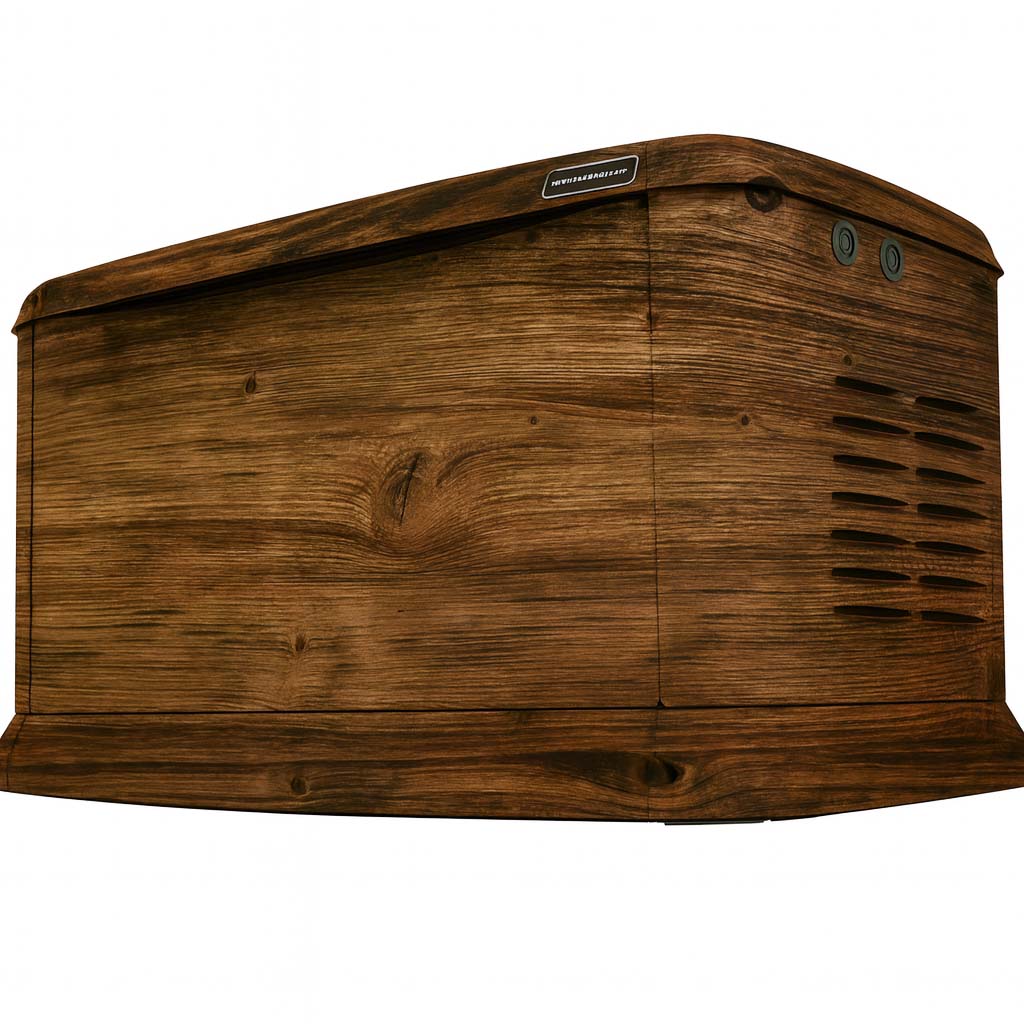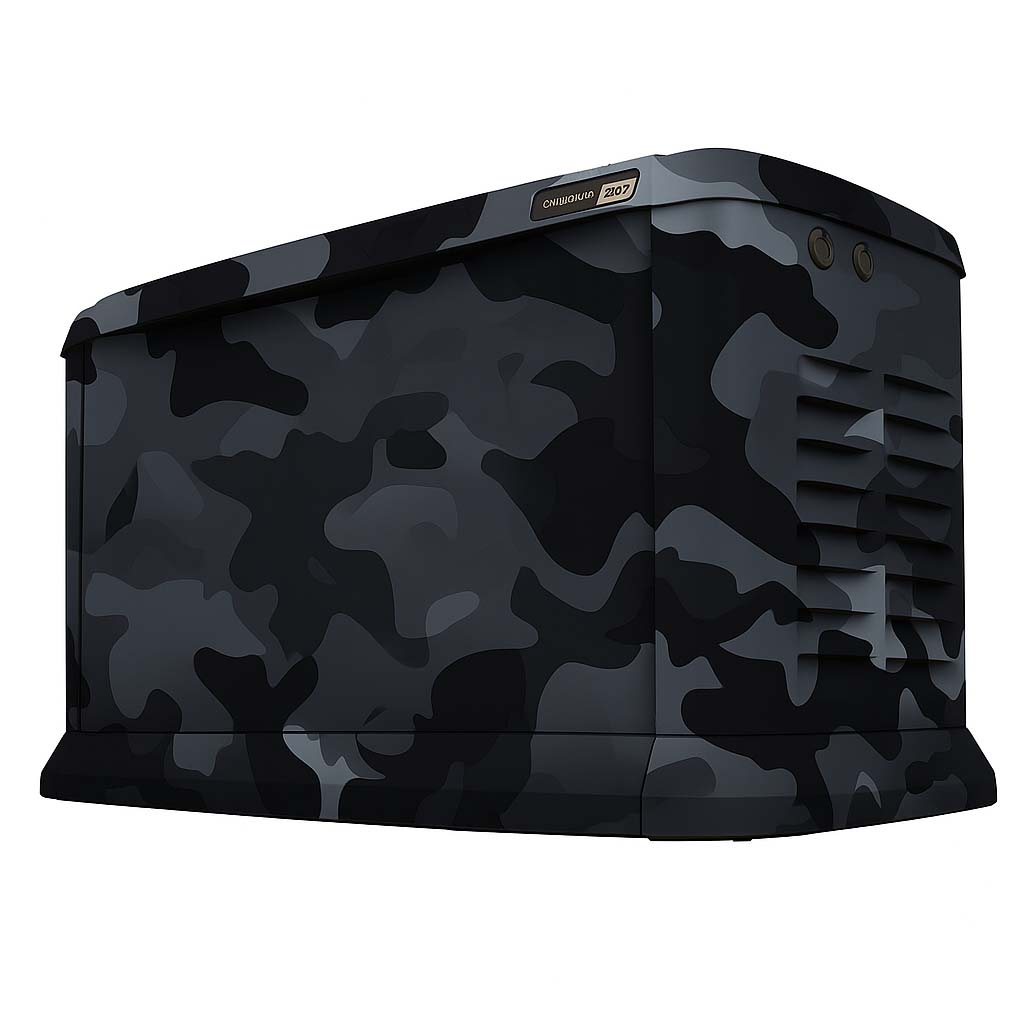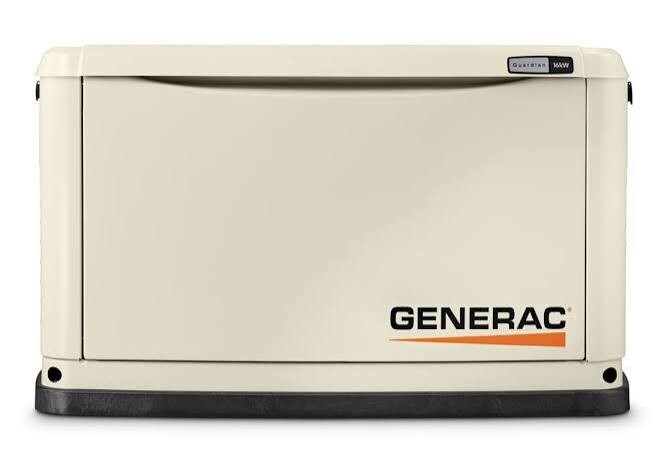
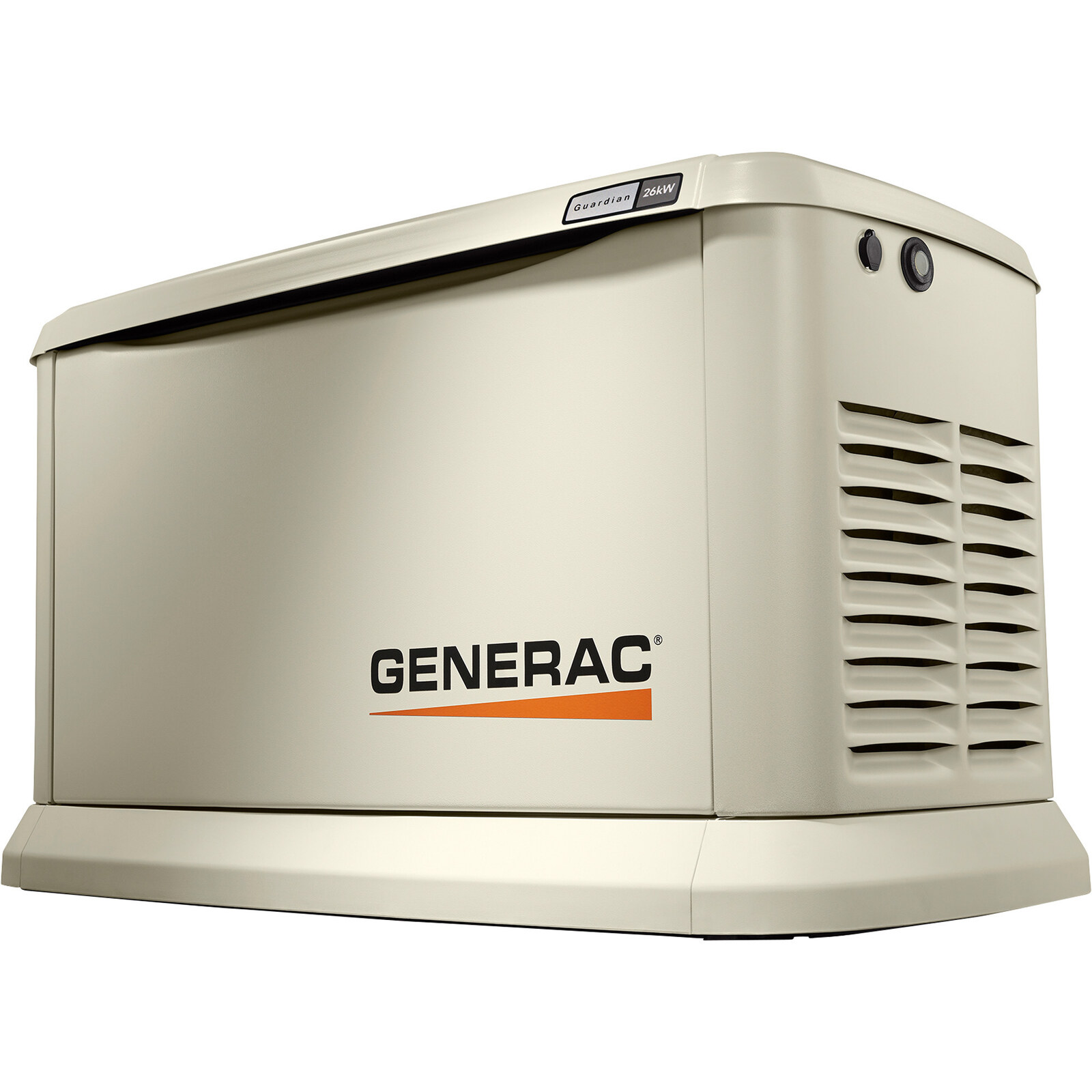
Yes. WYG offers wrap designs for the Generac Guardian family. Before production, your exact model, enclosure and surface condition need to be reviewed; the family name alone is not a fit guarantee. Use the Studio to choose a direction, then confirm how that design will work on the generator you actually own.
Start with your actual generator
Record the full model number and take clear photographs of the front, both ends and any other accessible exterior faces. Include an overall picture showing the surrounding space. A close-up of the model label can help identify the unit; share equipment information through the agreed project channel rather than posting it publicly.
Photos are especially useful when a unit has replacement panels, accessories, an older enclosure or an installation that limits access. Avoid assuming that artwork shown on a different Guardian model will land in the same place on yours.
Choose which panels need the design
Think about the views that matter: the approach to your home, a patio, or the view through a nearby window. Note whether you want the front, ends and top reviewed. These choices affect the artwork layout and the scope of the project.
A graphic layout must accommodate vents, openings, controls, labels and service access. Follow the instructions for your exact generator, and have equipment preparation handled by a qualified generator service provider. A visual mockup does not establish manufacturer approval.
Generac owner’s manual: 10–24 kW air-cooled modelsReference for general operating precautions. Use the manual for your exact unit; this manual does not approve generator wraps.
Use the Studio to compare directions
Try a stone print beside masonry, a wood print against warm surroundings, or a custom design that makes the generator a feature. Compare the main viewing face first, then check how the idea carries across the other sides.
Save the concept you prefer and export an editable copy. Studio previews help explain your intent; the final production layout still needs to account for panel dimensions and the details visible in your photos.
Bring a useful project brief
- Full generator model and exterior photos.
- The panels you want included and the location of the unit.
- A saved design, library design name or your own artwork idea.
- Any questions about installation access or existing surface damage.
Use Plan Your Project to organize those details. On this test website, that form downloads a draft; it does not send a quote request to staff. Keep the file for the next project conversation.
Related questions
Which generator brands can I explore?
The current WYG library includes model-family previews for Generac Guardian, Generac Next Generation, Briggs & Stratton and Kohler. Available product options vary. The brand or family shown in a gallery does not confirm fit for every model.
Read the related guideHow do you confirm the right fit for my generator?
Start with the exact model, photos of the enclosure and the panels you want wrapped. WYG reviews those details before confirming a production layout. A Studio preview or selected product option is not final fit approval.
Read the related guideWhere are my Studio designs saved?
Saved concepts stay in this browser on this device. They are not a cloud account or a submission to WYG, and clearing browser storage can remove them. Export an editable design file to keep a separate copy.
Read the related guideTurn the idea into a project brief.
Choose a design, compare it in the Studio and keep your model details together for review.
On this test site, Studio saves stay in your browser and project drafts are downloaded, not submitted.