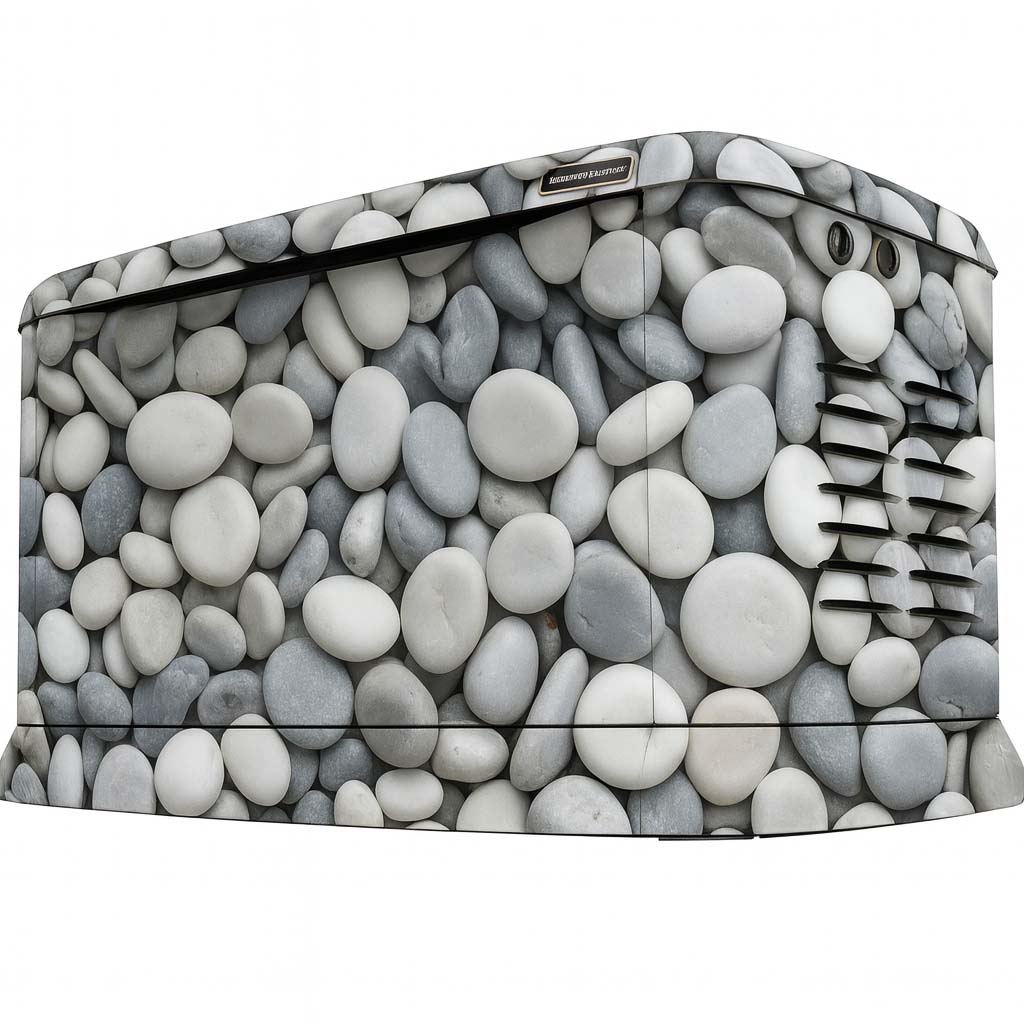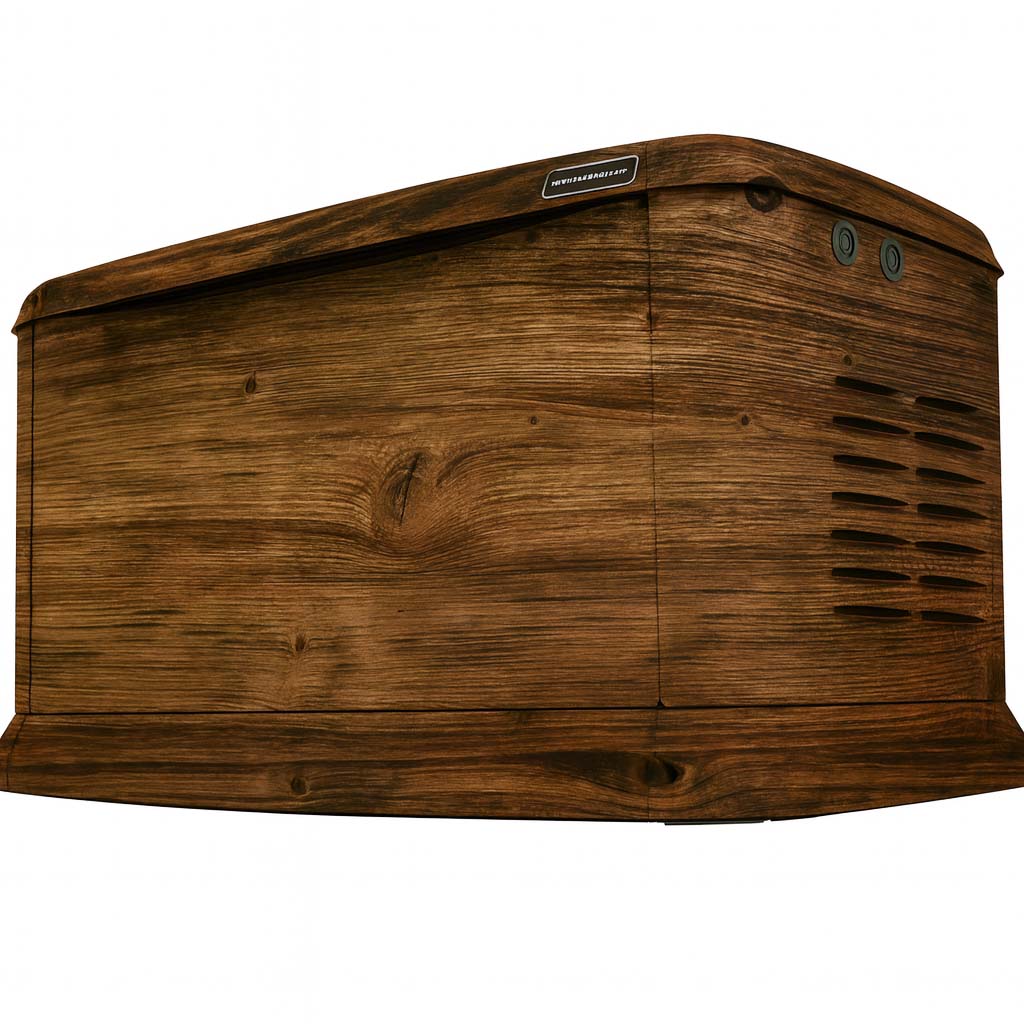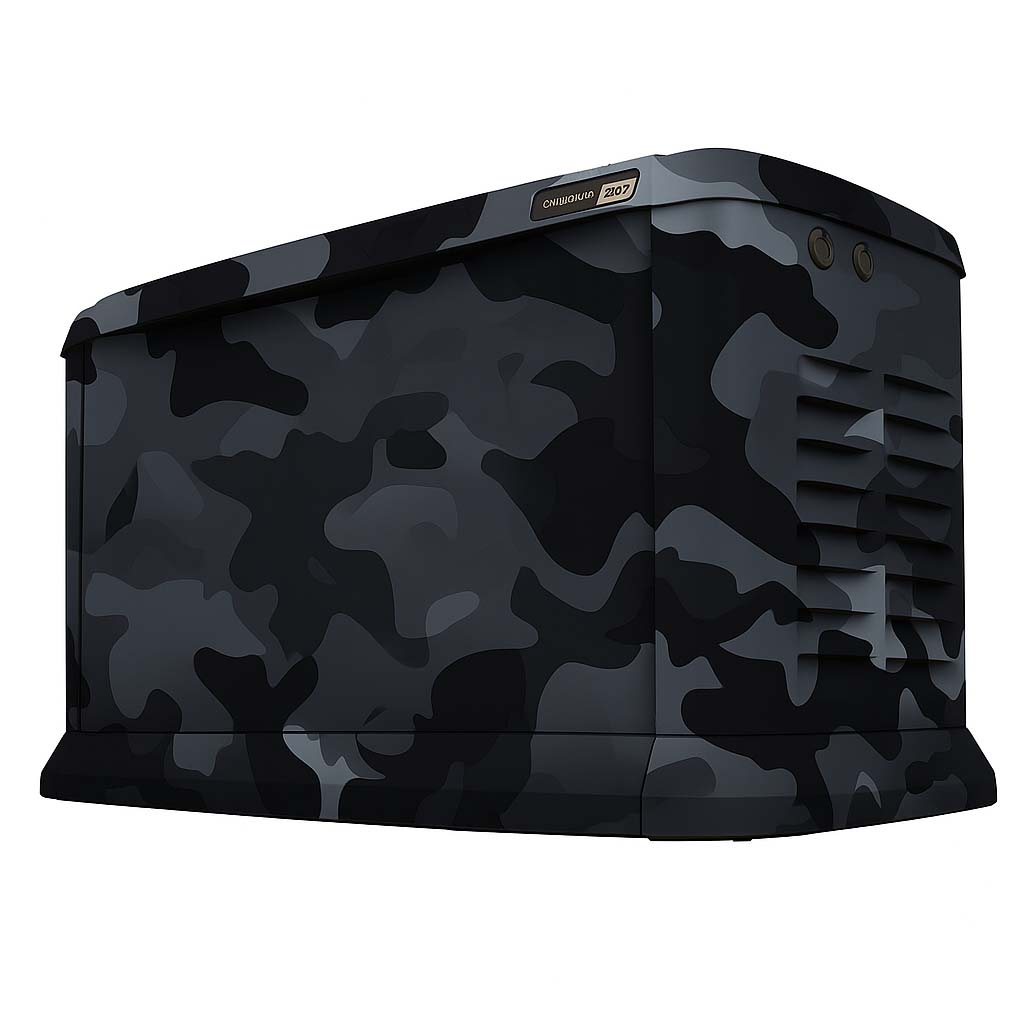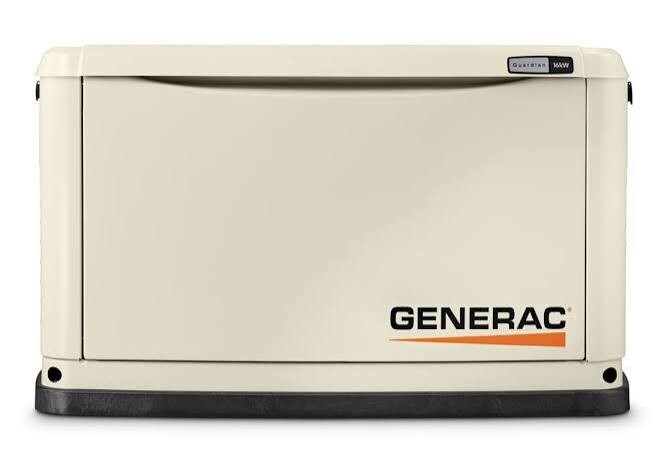
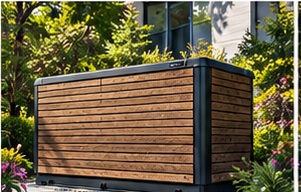
The best starting point is the view you see every day. Before picking a favorite design, take a photo of the generator from the patio, driveway or window where it is most noticeable. The aim is to choose a look that feels right in that scene, whether you want the enclosure to blend in or become a deliberate feature.
Decide what you want to notice
Describe the result in one sentence: “I want the generator to feel quieter beside the stone wall,” or “I want a warm wood look beside the deck.” That sentence gives the design a purpose and makes it easier to set aside options that are attractive but do not suit the setting.
Identify a primary view and a secondary view. A bold design may work well from the driveway yet feel busy beside a small seating area. Compare the same concept from both positions before deciding which faces should receive the strongest graphic.
Borrow colors without trying to copy every surface
Pick two or three visual references from the property: brick, roof trim, decking, gravel or outdoor furniture. Look for a shared color family rather than trying to match each material at once. Warm brown wood and cool gray masonry can lead to very different choices.
A printed wrap will not reproduce the physical texture of stone or timber. Screen colors also need to be treated as references. If matching a particular finish matters, describe it in the brief and ask how color expectations can be reviewed before production.
Judge the whole enclosure, not just a swatch
A small pebble print, broad stone blocks and long wood planks each change the apparent scale of the generator. Compare designs on a generator preview at a similar viewing size. Step back from the screen and check whether the overall light and dark areas still work together.
Consider how the print meets corners and separate panels. A strong horizontal line may need deliberate alignment; an irregular texture creates a different rhythm. Note the direction you prefer, and leave exact placement to the model-specific artwork review.
Build a shortlist you can explain
- Choose one design that blends in, one that coordinates, and one bolder option.
- Compare all three against the same wide photo of the property.
- Write down the design names, preferred colors and important viewing faces.
- Save your favorite Studio concept and export a separate copy.
A useful brief explains why the design works, not just which thumbnail you clicked. For example: “The medium-gray stones relate to the retaining wall, but I would like less contrast.” That gives the next design conversation a clear starting point.
Related questions
Are stone and wood designs actual stone or wood?
They are printed vinyl graphics that create a stone-look or wood-look appearance. They are not stonework, timber cladding or replacement generator enclosures.
Read the related guideAre the generator images finished customer installations?
Images marked Concept Preview are design visualizations, including AI-assisted imagery. Final color, scale, placement, fit and appearance may vary. Reference photos show the generator itself and are identified separately.
Read the related guideCan I try a design on the top and each side?
The Studio includes Front, Right, Rear, Left and Top editing and artwork-placement options. These are concept controls. The panels that can be included on your actual generator still need model and layout review.
Read the related guideTurn the idea into a project brief.
Choose a design, compare it in the Studio and keep your model details together for review.
On this test site, Studio saves stay in your browser and project drafts are downloaded, not submitted.