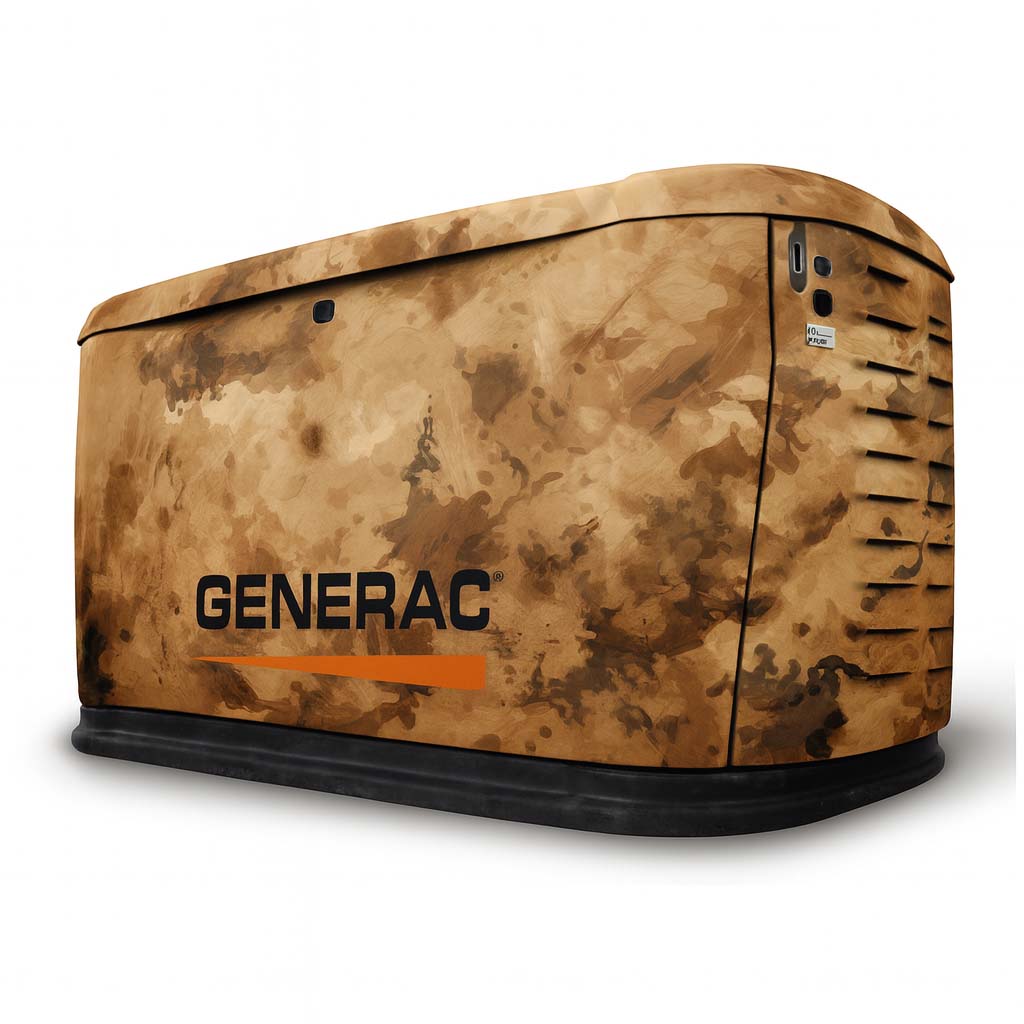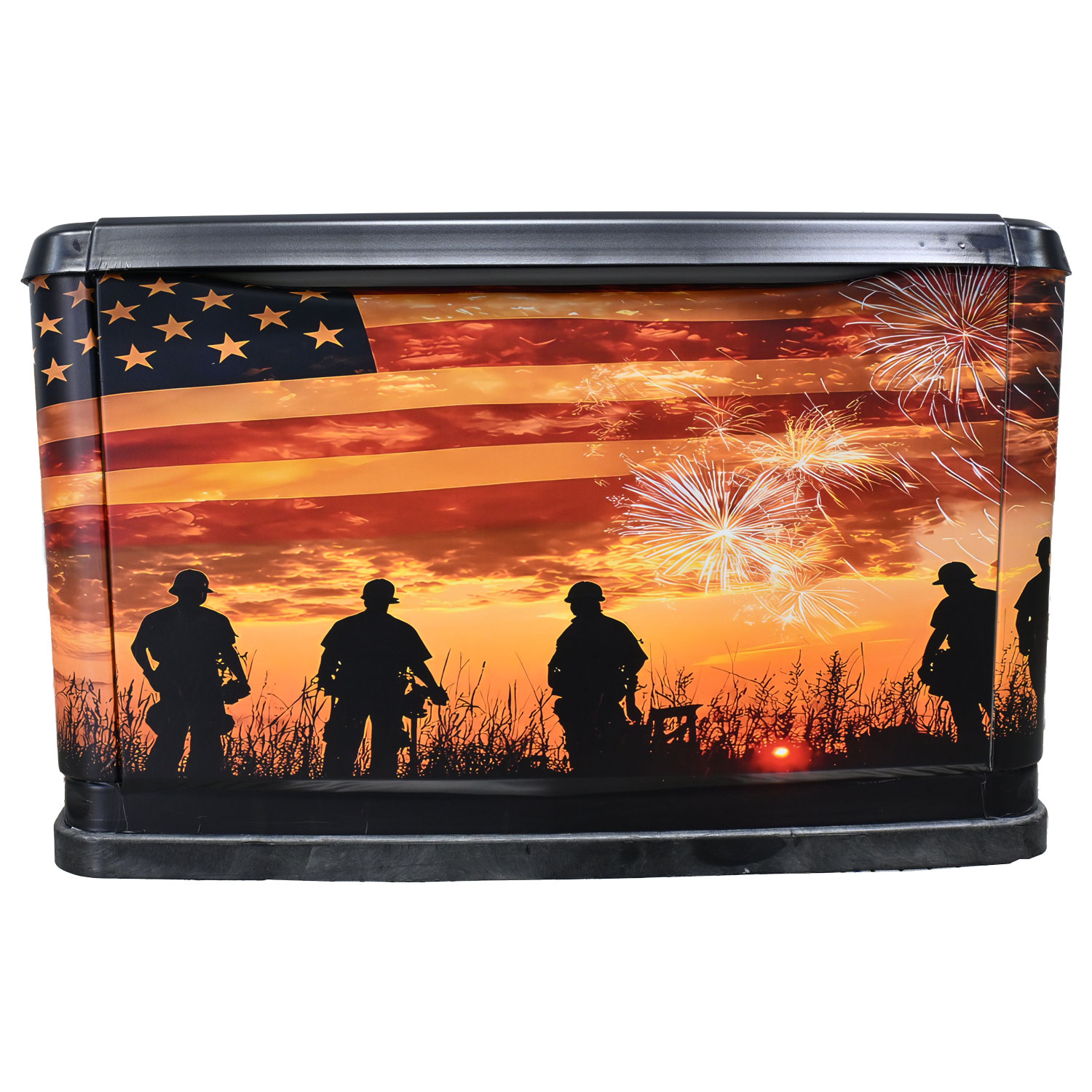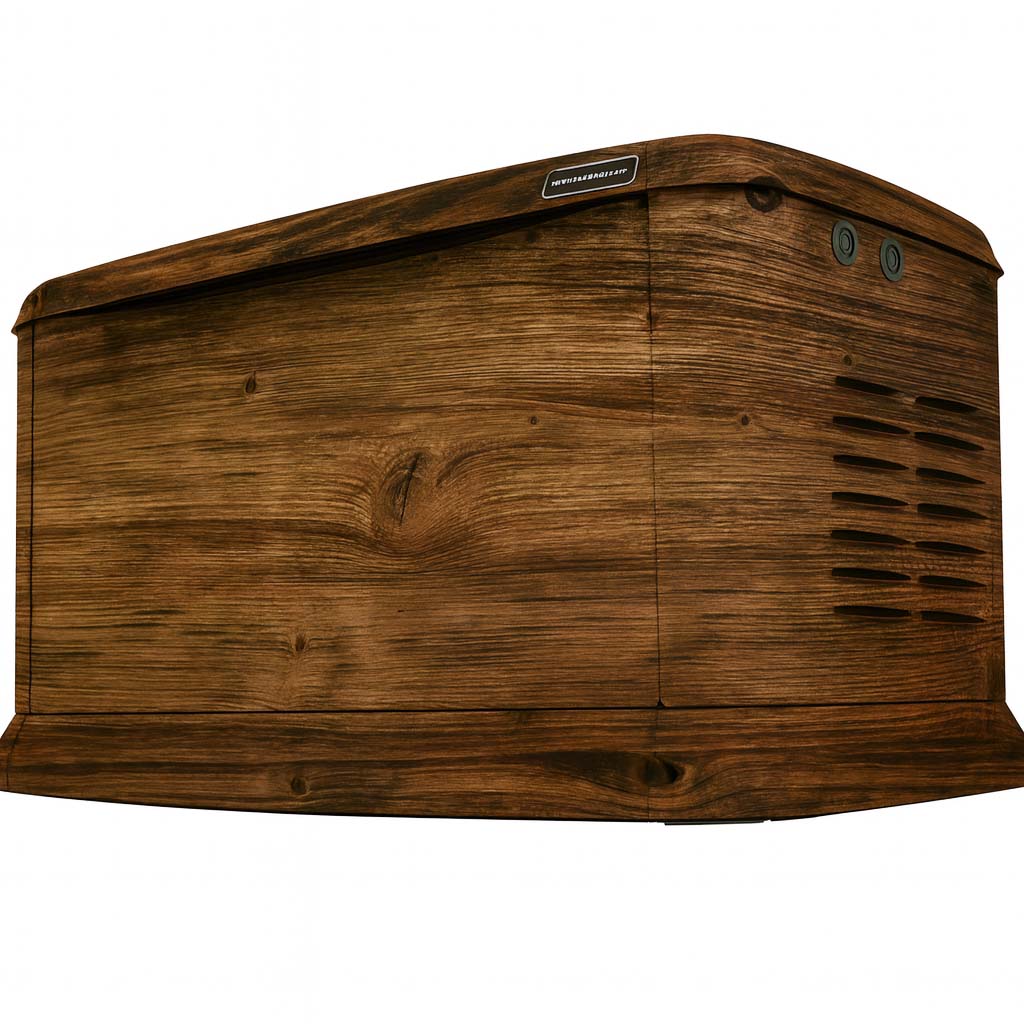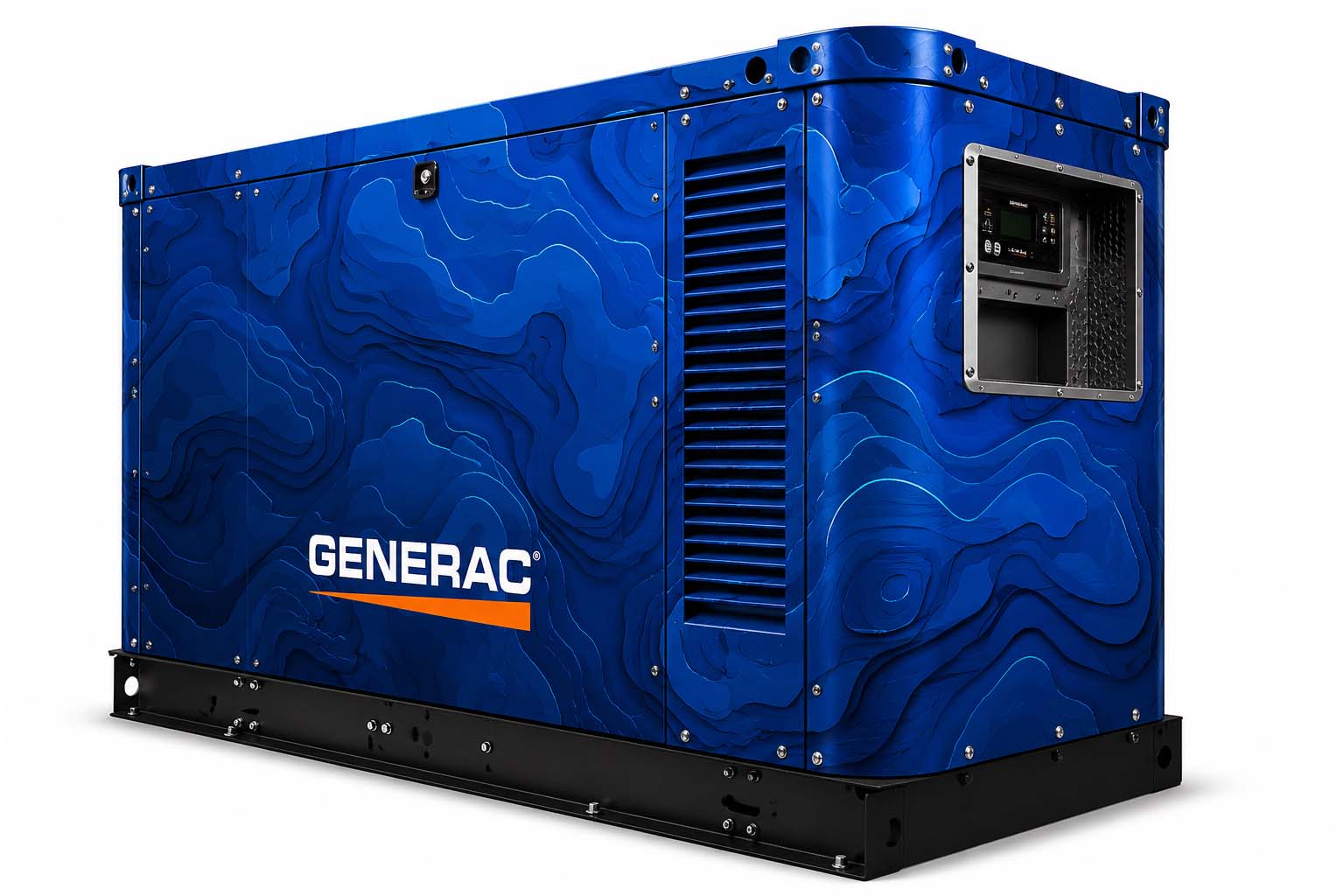
A larger enclosure gives you more room to work with, but the strongest brief still starts with one purpose. Decide whether the unit should reinforce your company identity, coordinate with the facility or carry a consistent design across multiple locations.
Choose the main visual job
For a branded unit, decide which face people see first and how far away they will be. A clear logo and a short message can be more useful than filling every panel with information. Check the layout from the normal viewing distance as well as in a close-up proof.
For an architectural direction, compare the surrounding colors, materials and building lines. A restrained texture may suit one property, while a stronger graphic makes sense for another. Use site photographs to explain the intended setting.
Put the enclosure in the brief
- Generator make and model, plus photographs of every accessible exterior face.
- Panel dimensions when available and the sides you want reviewed.
- Locations of doors, louvers, labels and other details the artwork must accommodate.
- Original brand files, preferred colors and any required brand guidelines.
- Quantity, site locations, access arrangements and the requested timing.
Large, mobile and stationary enclosures should be reviewed individually. The same brand theme can carry across several units without assuming that every unit uses the same panel template.
Make a group of units feel related
Create a common visual structure: logo position, color family and the treatment of large graphic areas. Then adapt it to the useful panel space on each enclosure. This helps a collection feel intentional even when the equipment differs.
Keep a clear approved layout for each unit and identify which artwork goes with which location. Confirm the details that matter to the business, such as the correct logo version and any contact information, before production.
Use concepts to start the conversation
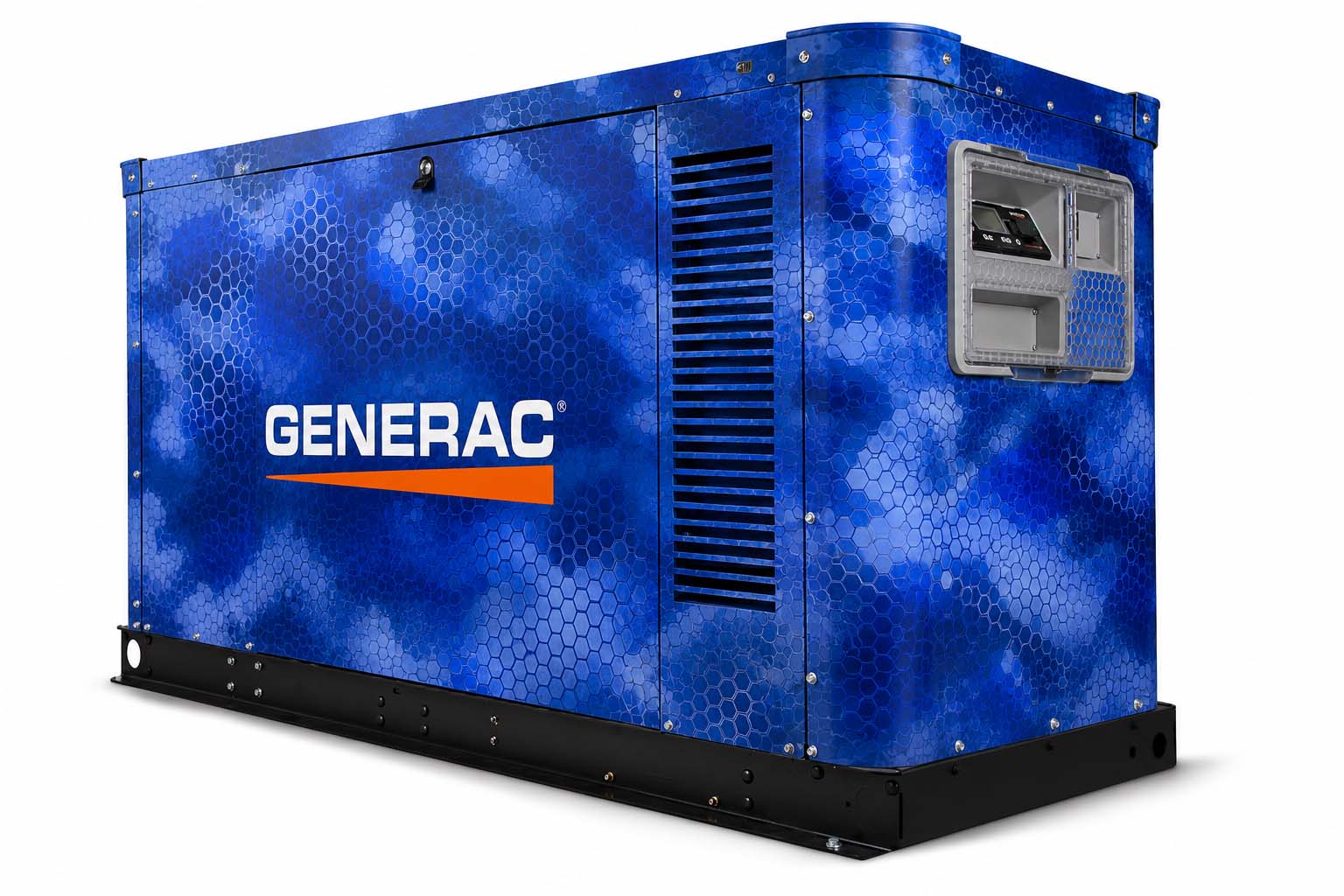
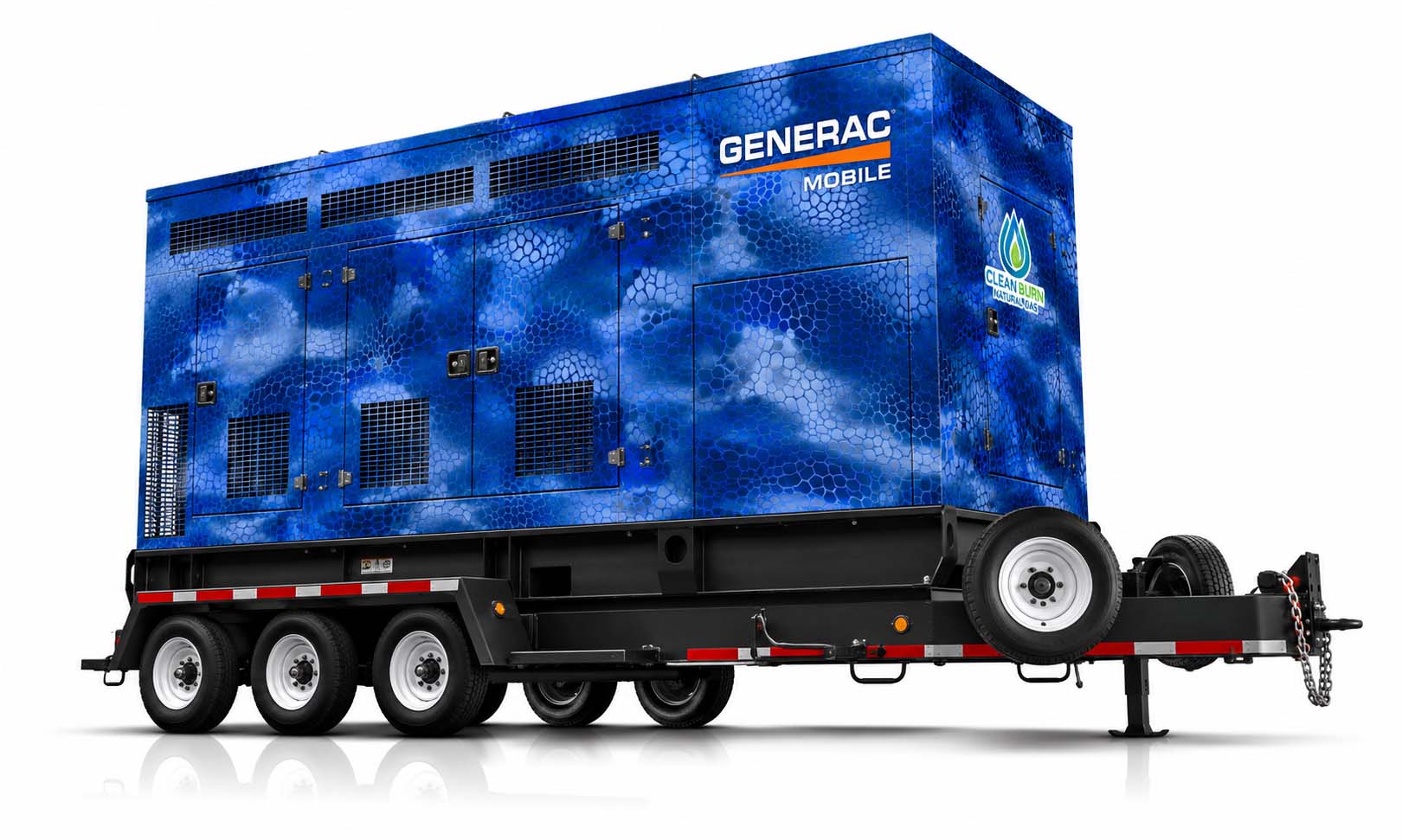
The Commercial page includes examples across mobile and stationary generator forms. They are concept visualizations for discussing style, not records of completed installations or proof of fit for your equipment.
Choose the direction you like and prepare a project brief. On this test site, Plan Your Project downloads a local quote draft. Final scope, materials, fit, timing and price need to be confirmed with WYG before work proceeds.
Related questions
Do you work with large commercial generators?
WYG offers custom design planning for larger mobile and stationary generator enclosures. Supply the model, exterior photos, dimensions when available and your brand files so the scope can be reviewed.
Read the related guideCan we use one brand theme across multiple generators?
Yes, a common visual direction can be planned for a group. Each unit still needs its own enclosure and artwork review so the design works with its panels and required access.
Read the related guideCan I use my own logo or artwork?
Yes. Use artwork you own or have permission to use. The Studio accepts PNG, JPG or WEBP files for a browser-only preview. Keep original production files, especially vector logos, for the artwork review.
Read the related guideTurn the idea into a project brief.
Choose a design, compare it in the Studio and keep your model details together for review.
On this test site, Studio saves stay in your browser and project drafts are downloaded, not submitted.