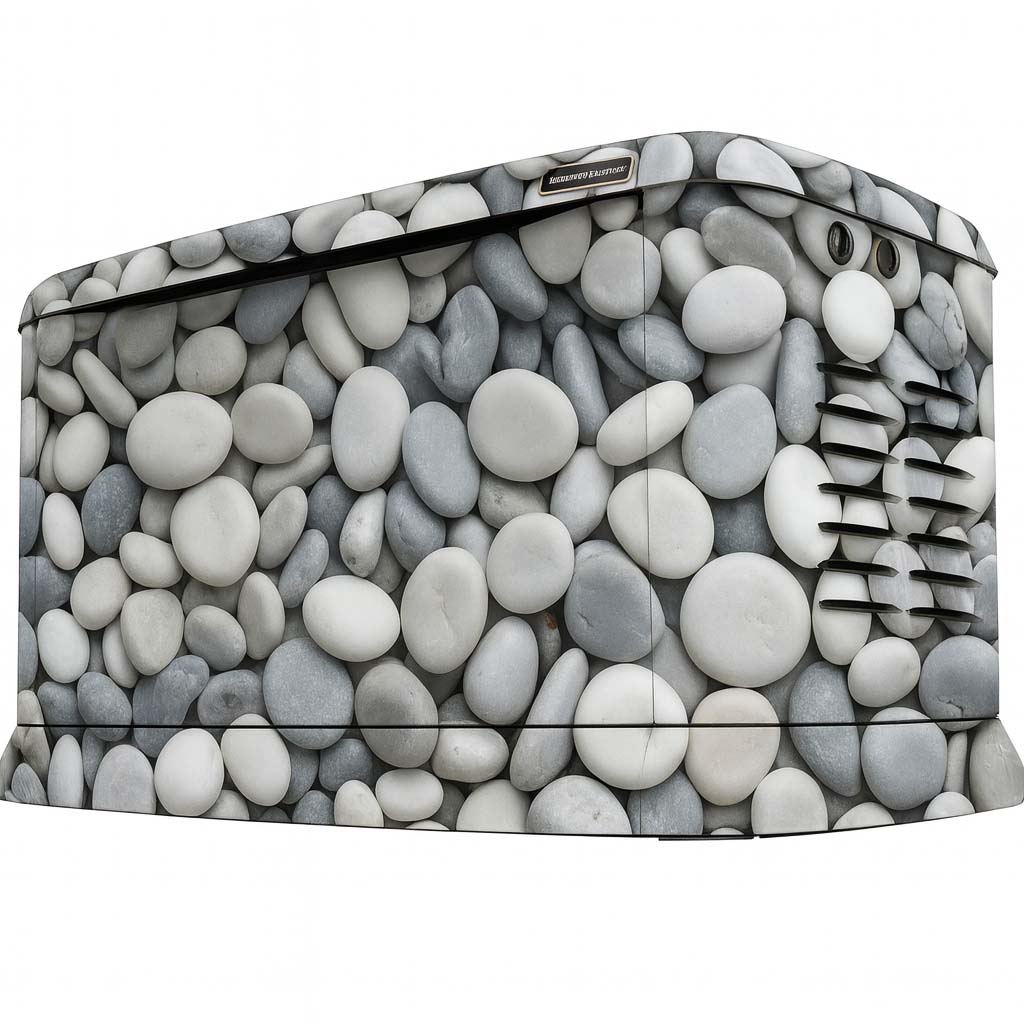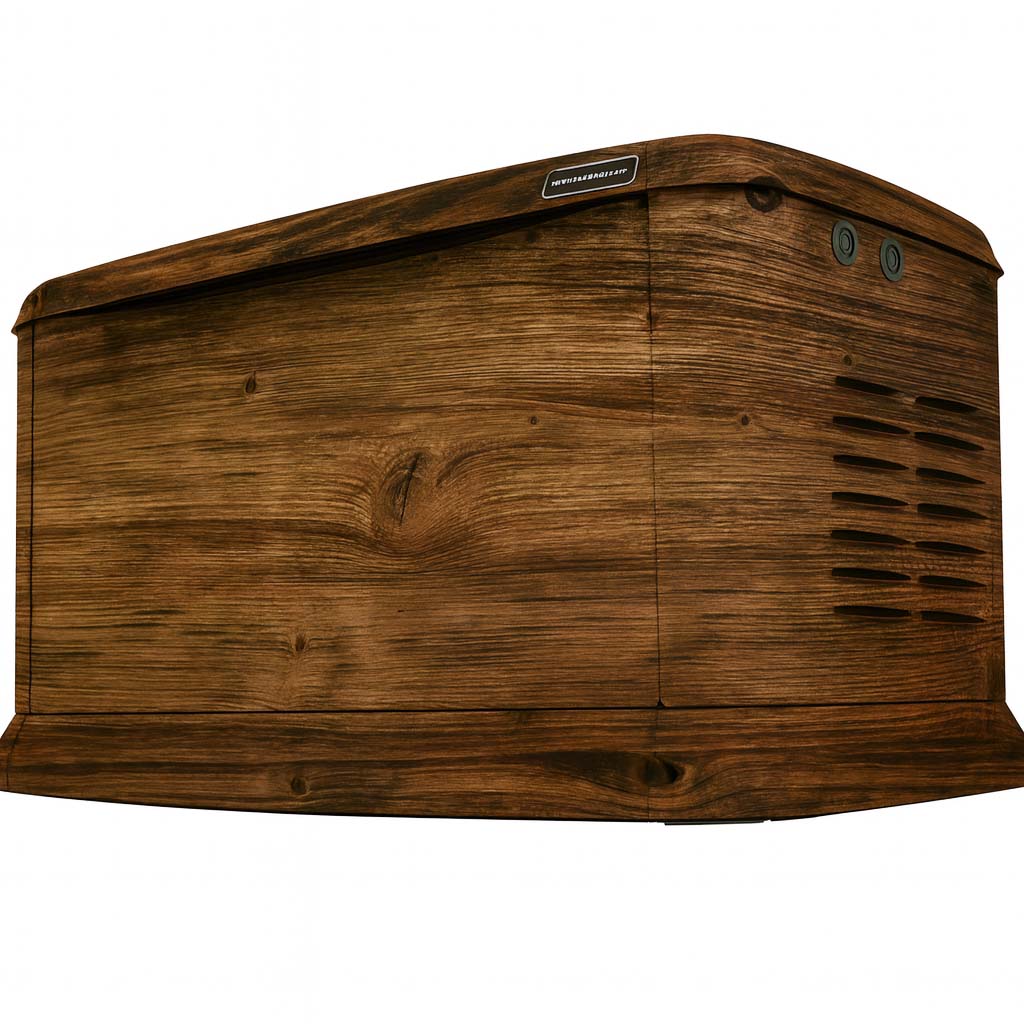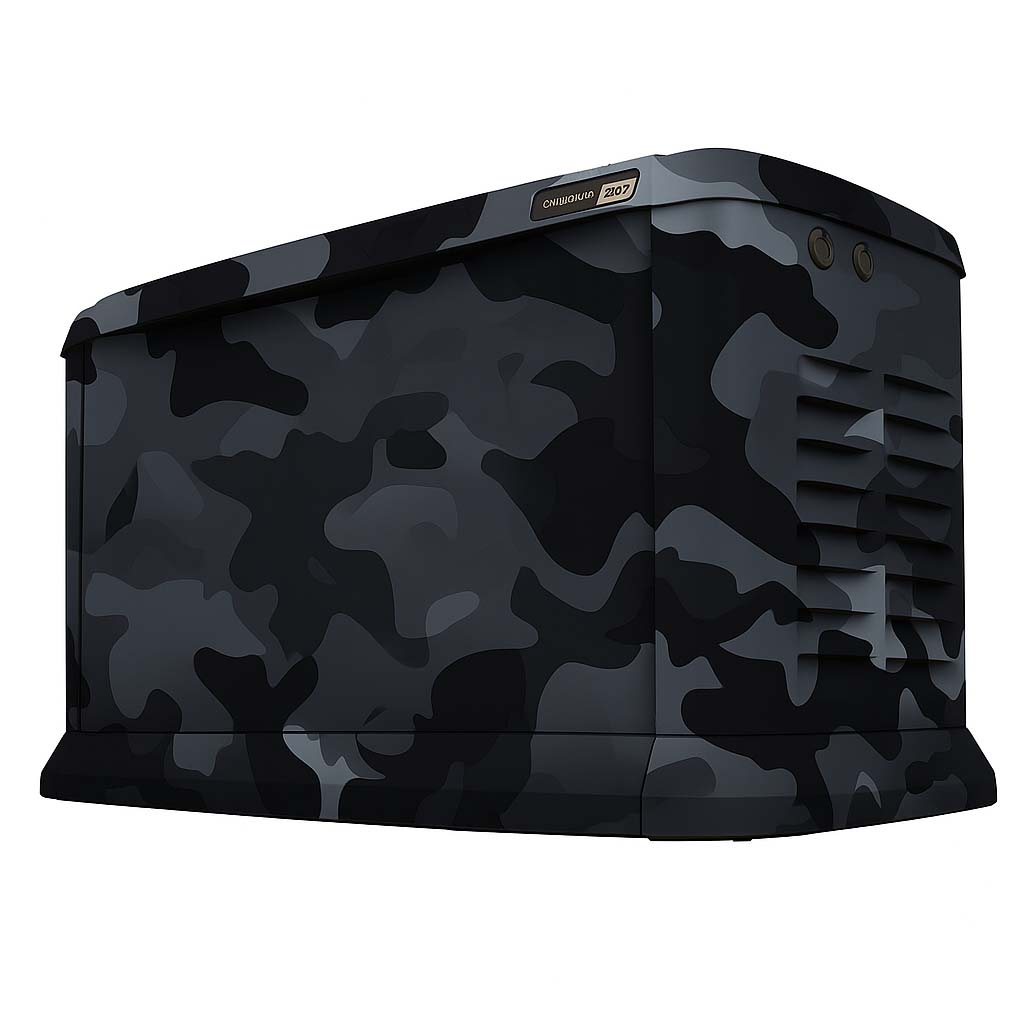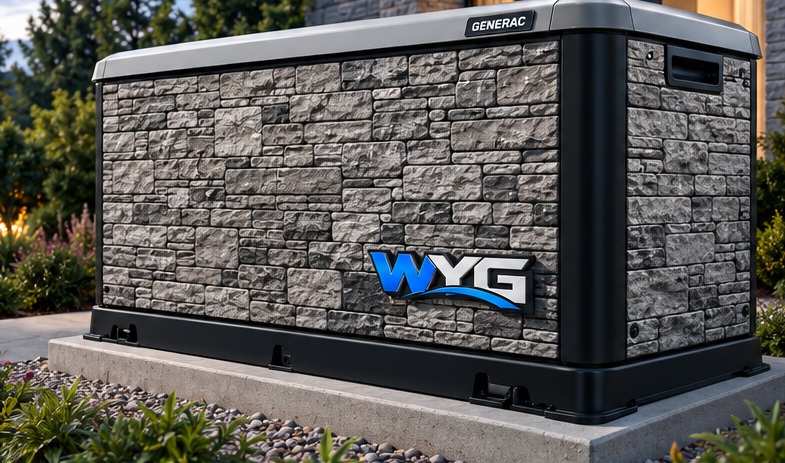
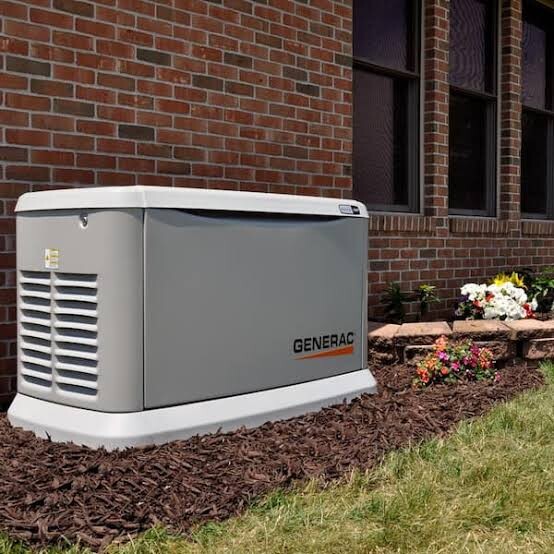
A good installation starts before the vinyl arrives. The installer needs to know the exact enclosure, the condition of the surfaces and the access available around the unit. Treat the wrap as a coordinated graphics project that respects the generator’s operating and service requirements.
Start with a model and surface review
Provide clear exterior photographs and the model details. Point out rust, peeling finish, previous graphics, dents or other damage. Photos help identify questions early, but the installer may still need to inspect the surface before confirming the work.
Agree which panels are included and who is responsible for any preparation or repairs. Avoid promising a completion date until the installer has reviewed the unit, artwork and working conditions.
Confirm the production artwork
Review the design across the selected faces, including panel seams and any required cutouts. Confirm spelling, logo versions, graphic direction and the important viewing angles. A Studio concept is a starting reference; it is not the final production file.
Keep a copy of the approved layout and scope. If the enclosure or requested coverage changes, have those changes reviewed before installation so the installer is working from the correct plan.
Coordinate equipment preparation and access
Standby generators can start automatically. A qualified generator service provider should handle making the unit safe for work and restoring it according to the exact model’s instructions. Vinyl installation experience does not replace generator service qualifications.
The graphics plan must leave ventilation openings and service access usable. Do not use a wrap project as a reason to move equipment or alter its required clearances. Coordinate site access with the property owner and the people responsible for the generator.
Generac owner’s manual: 10–24 kW air-cooled modelsReference for general operating precautions. Use the manual for your exact unit; this manual does not approve generator wraps.
Finish with a clear handoff
Review the installed graphics with the installer and ask for care instructions for the actual film and finish used. Keep the product and installation information with your project records. If an edge later lifts or an area is damaged, photograph it and ask for advice before attempting a repair.
Our Installer Network page can help you explore recorded coverage and apply to join the network. Availability is confirmed for each project. Entries marked Demo are fictional website preview locations and cannot be used to book an installation.
Related questions
Do you recommend professional installation?
WYG recommends an installer experienced with vinyl graphics. Generator preparation and operating precautions are covered in the related installation guide.
Read the related guideDoes a location on the coverage map guarantee installation?
No. Radius areas are estimates, and availability, travel and project suitability require confirmation. Entries marked Demo are fictional website preview records, not bookable installers or active partners.
Read the related guideHow long does a project take?
Timing is confirmed after the generator, artwork, production scope and installation arrangements are reviewed. A concept preview or draft does not reserve an installation date.
Read the related guideTurn the idea into a project brief.
Choose a design, compare it in the Studio and keep your model details together for review.
On this test site, Studio saves stay in your browser and project drafts are downloaded, not submitted.