Start with how you want the generator to feel in its setting. You might want it to blend into the landscape, coordinate with nearby materials or carry a distinctive graphic. Looking at the wider scene makes choosing a design easier than judging a pattern thumbnail on its own.
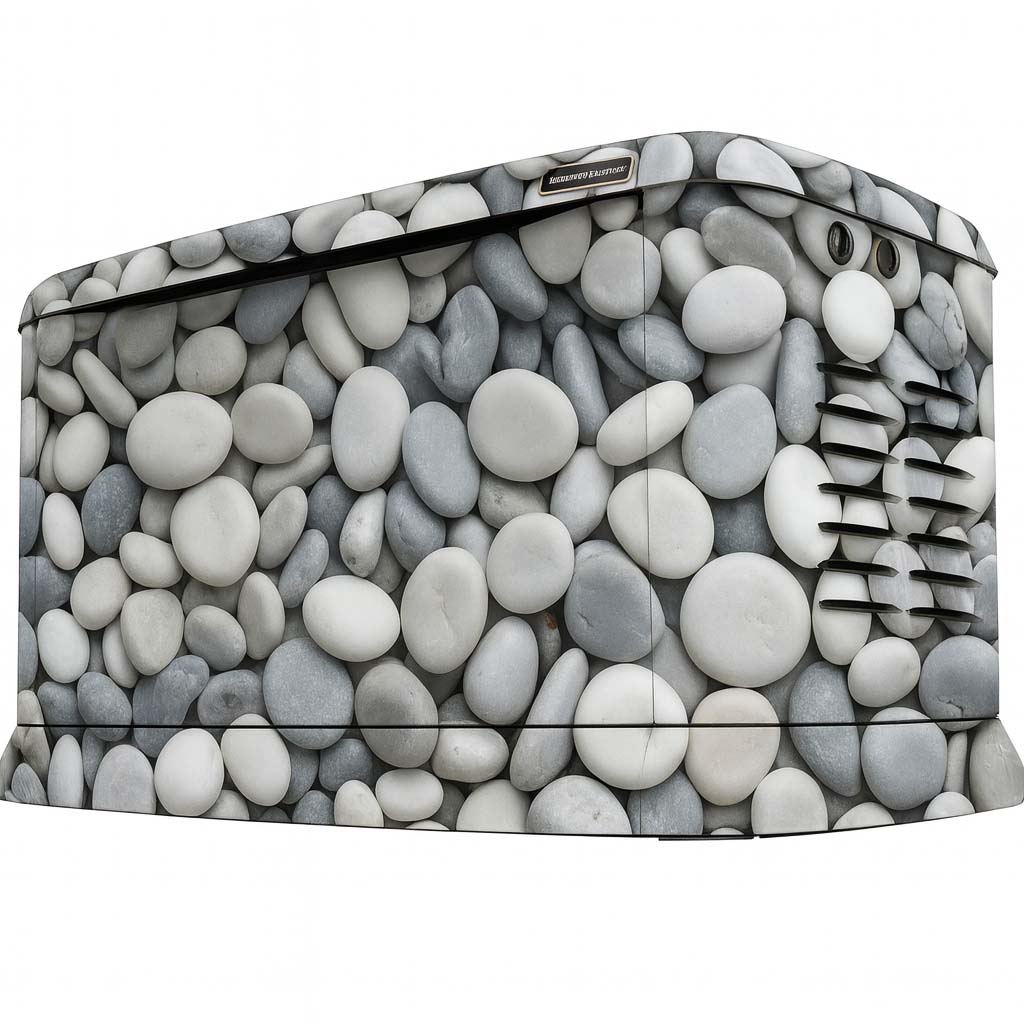
Stone prints: connect with masonry and landscaping
A stone direction can work visually alongside a retaining wall, gravel or a stone facade. Compare the size of the printed stones with the scale of the enclosure. A large block pattern and a small pebble pattern create very different impressions, even in similar colors.
Use a photograph that includes the surroundings when reviewing the concept. Look at both the close-up detail and the overall balance from the place where you normally see the unit. A stone-look wrap is printed vinyl, not stone cladding.
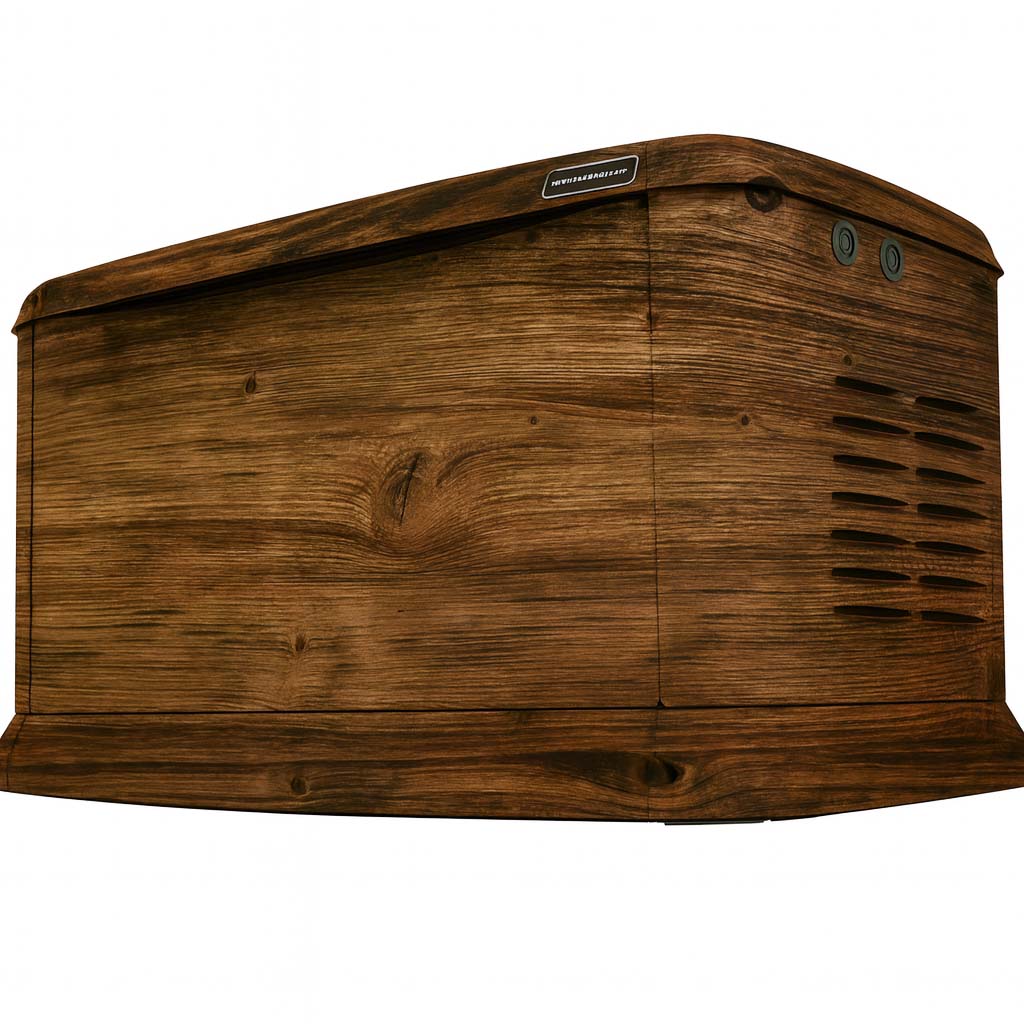
Wood prints: bring in warmth and direction
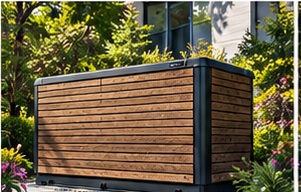
Wood-look designs offer a range of tones and grain directions. Try horizontal and vertical layouts in your concept, then consider how seams and panel edges will interrupt the print. A wood image that looks appealing as a swatch may need a different scale on the generator.
Use nearby decking, fencing or trim as visual references without expecting an exact material match. The wrap is a printed surface; it does not add timber boards or change the enclosure construction.
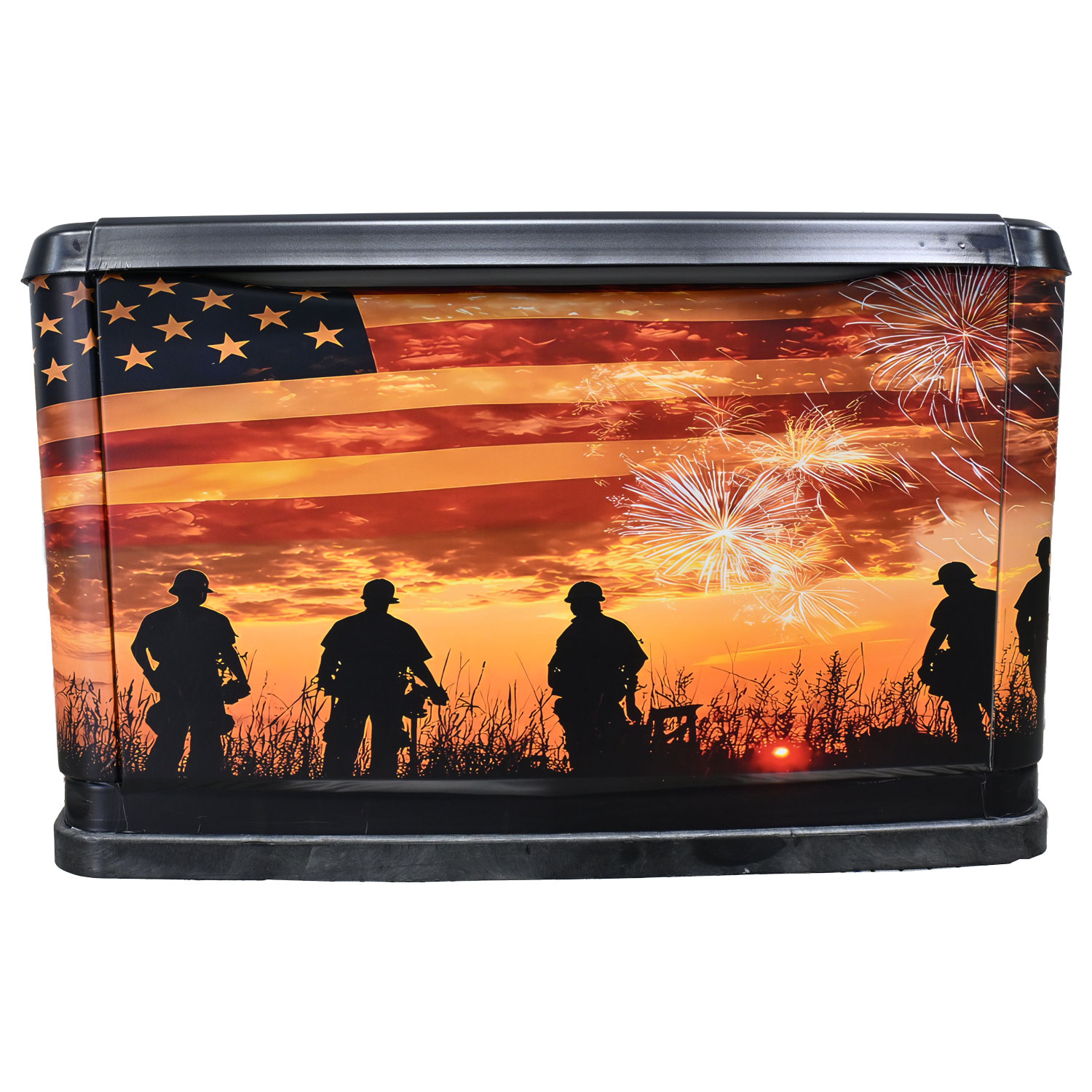
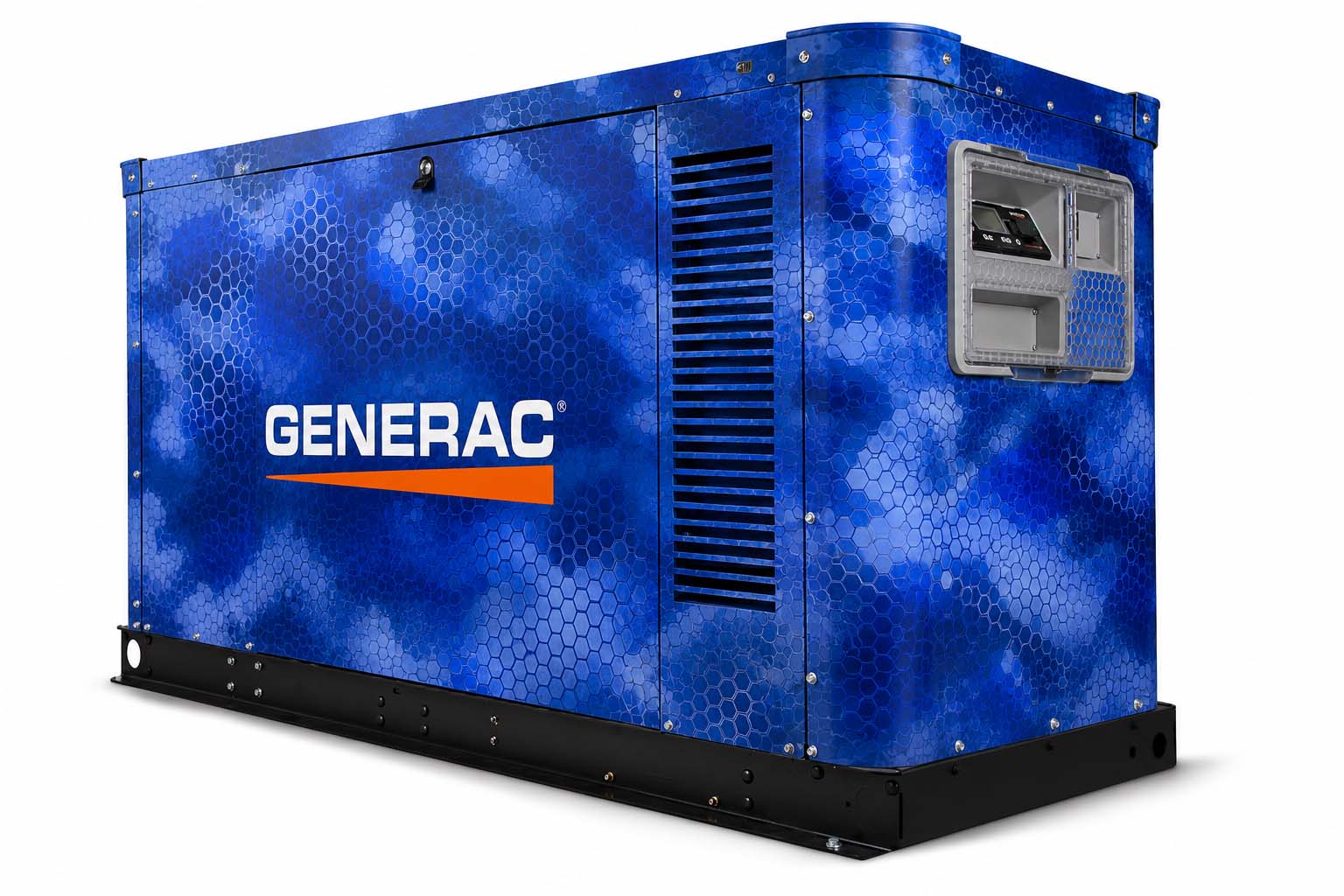
Custom graphics: make the look your own
A camouflage design, patriotic theme or business identity can turn the enclosure into a deliberate feature. Decide what should be noticed first, and leave enough visual space around that element. For business artwork, prioritize a readable logo and one clear message.
Supply artwork you own or have permission to use. For a logo, keep the original vector file when available. A small image can help explain the idea, but production artwork needs its own resolution and layout review.
Compare a small shortlist
- Choose three designs with different directions.
- Use the same generator view when comparing them.
- Check the front, ends and top as part of the overall composition.
- Save your favorite and keep an exported copy for review.
Screens and concept images are visual references. Confirm color expectations and final artwork before production. Some WYG images are AI-assisted concepts, so the finished fit, placement and appearance may vary from the preview.
Related questions
Are stone and wood designs actual stone or wood?
They are printed vinyl graphics that create a stone-look or wood-look appearance. They are not stonework, timber cladding or replacement generator enclosures.
Read the related guideCan I use my own logo or artwork?
Yes. Use artwork you own or have permission to use. The Studio accepts PNG, JPG or WEBP files for a browser-only preview. Keep original production files, especially vector logos, for the artwork review.
Read the related guideAre the generator images finished customer installations?
Images marked Concept Preview are design visualizations, including AI-assisted imagery. Final color, scale, placement, fit and appearance may vary. Reference photos show the generator itself and are identified separately.
Read the related guideTurn the idea into a project brief.
Choose a design, compare it in the Studio and keep your model details together for review.
On this test site, Studio saves stay in your browser and project drafts are downloaded, not submitted.