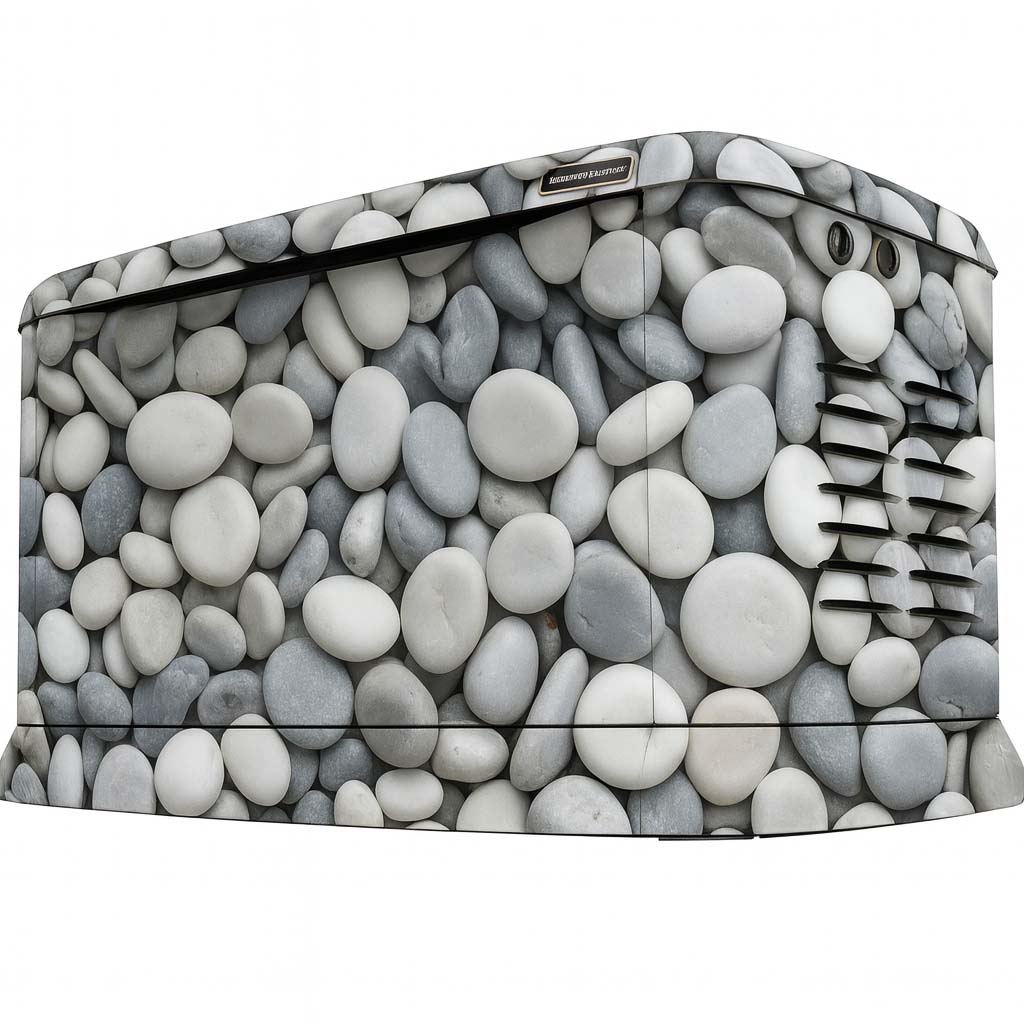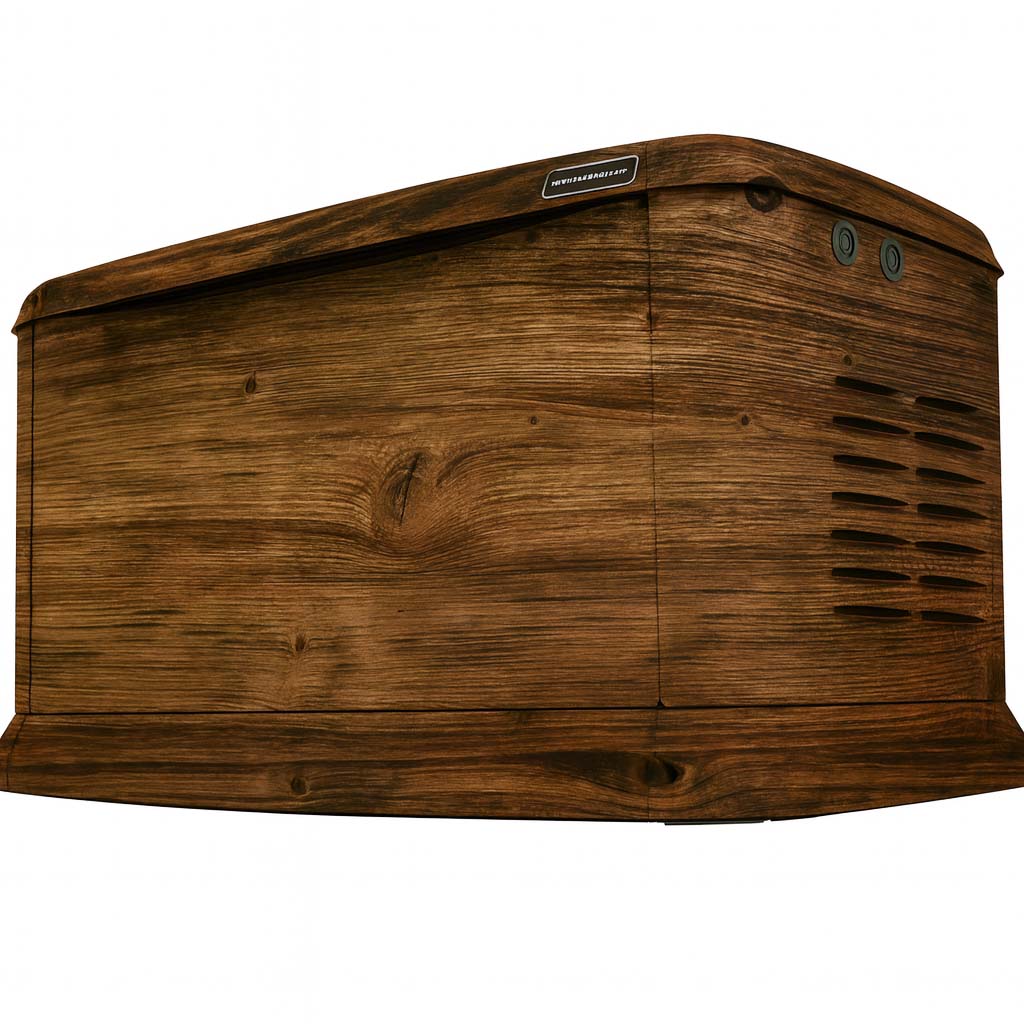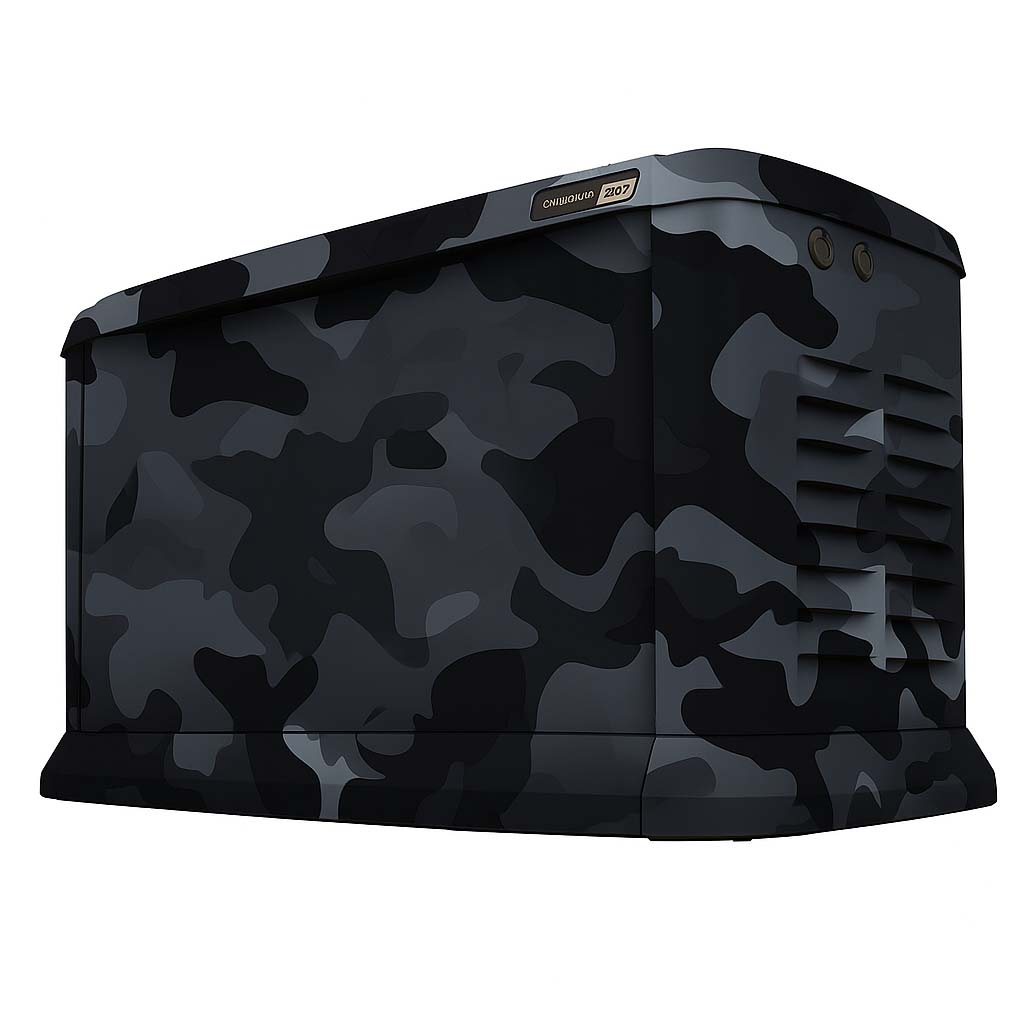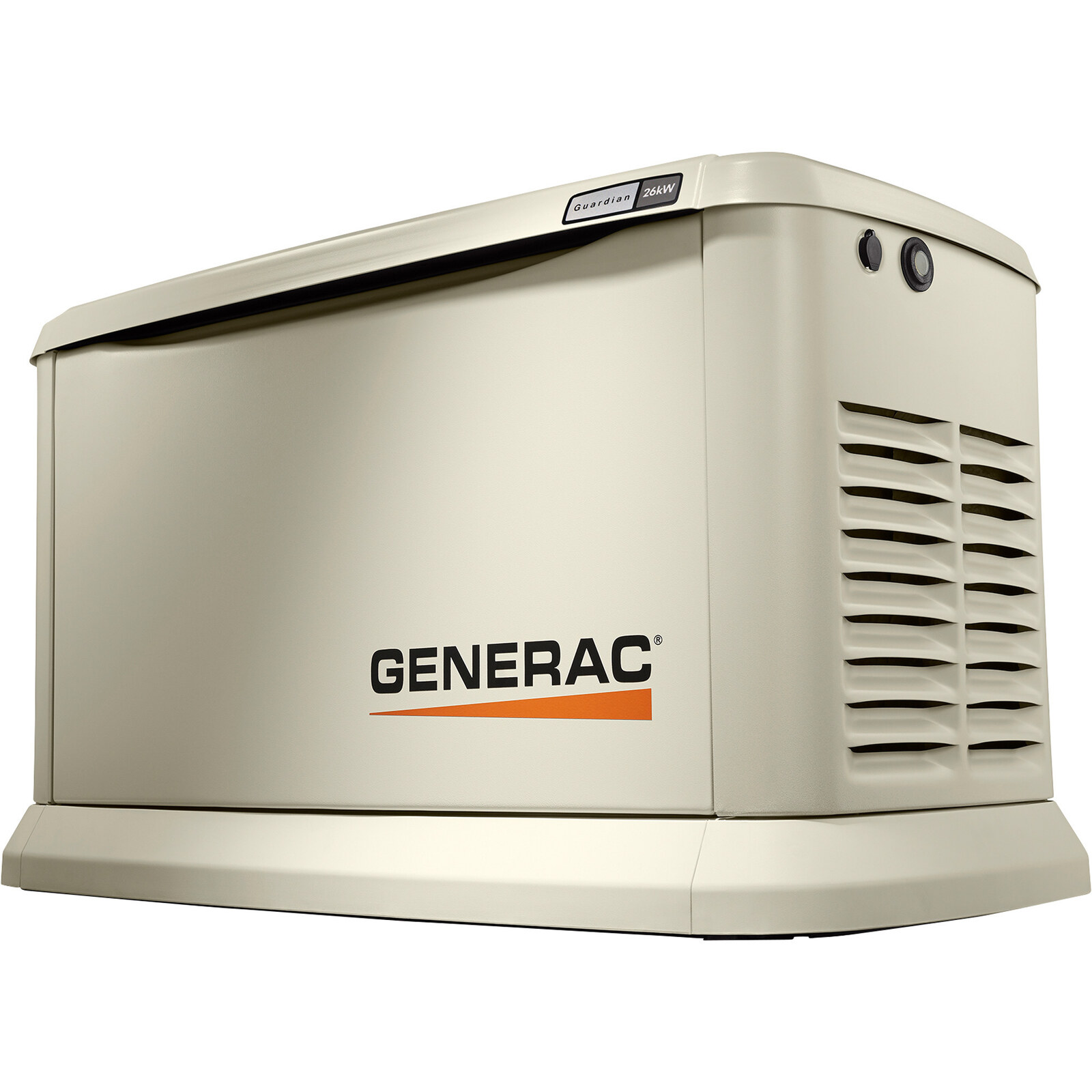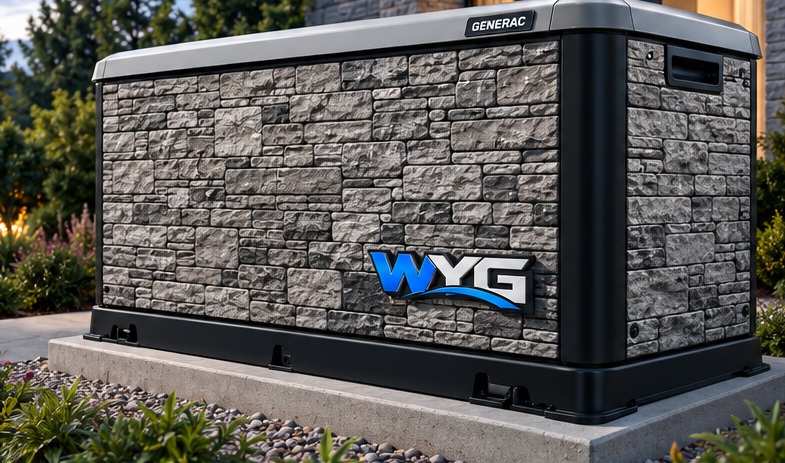
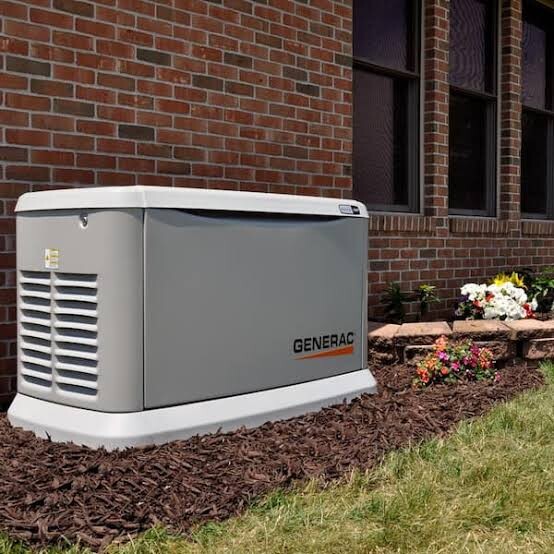
An older generator needs a condition review before a wrap decision. Age alone does not tell the whole story: two units of the same model can have different finishes, repairs and exposure histories. Begin with the equipment you have today, then decide whether graphics, surface work or another step should come first.
Have the existing finish assessed
Adhesive graphics depend on the surface beneath them. Loose paint, corrosion and unsuitable coatings need attention before installation; covering them with a design does not repair the enclosure. Ask the installer to assess compatibility and identify any preparation that belongs with a qualified repair provider.
Avery Dennison’s general preparation guidance emphasizes sound, compatible surfaces and manufacturer-directed paint curing. That guidance is a reason to review the actual finish, not a generator-specific approval or a promise that every older unit can be wrapped.
Avery Dennison: Substrate Cleaning and PreparationGeneral adhesive-film surface guidance. Material suitability must be reviewed for the actual generator and finish.
Coordinate equipment work before artwork is finalized
If a panel is scheduled for replacement, let the designer know before the layout is approved. A change in panel shape, handles or other details can change the usable graphic area. Record the final enclosure configuration so the design and the physical unit refer to the same version.
Keep generator servicing with the appropriate qualified provider. The graphics installer should know who handles any equipment preparation and when the unit is ready for their work. A wrap is a visual change; questions about operation, enclosure repair or service condition need their own equipment review.
Choose the next step from the assessment
- Proceed to design review if the surfaces and enclosure are suitable.
- Arrange the identified repairs or preparation before confirming the graphics schedule.
- Update photos and dimensions if panels change.
- Confirm the scope, finish expectations and applicable written terms.
Avoid selecting a pattern simply because you hope it will conceal a defect. A successful brief makes the condition visible to the people planning the work. Once the enclosure is ready, use the design library to choose the look you want and retain the preparation information with the project records.
Related questions
Can the design be changed or removed later?
Ask for a surface assessment and a removal plan. The condition of the underlying finish matters, particularly on older or repaired panels. Do not assume removal will be damage-free on every surface.
Read the related guideHow long will the wrap last?
Service life depends on the material, exposure, surface condition and care. Ask for the specific written product and installation terms for your project. WYG does not promise one lifespan for every generator and setting.
Read the related guideDo you recommend professional installation?
WYG recommends an installer experienced with vinyl graphics. Generator preparation and operating precautions are covered in the related installation guide.
Read the related guideTurn the idea into a project brief.
Choose a design, compare it in the Studio and keep your model details together for review.
On this test site, Studio saves stay in your browser and project drafts are downloaded, not submitted.